Claude Chat, Code, Cowork, MCP, Skills… a 9-minute overview of the Anthropic ecosystem in 2026
1. The Claude models: the foundation of the entire ecosystem
Before discussing interfaces, we must look at the models. In 2026, Anthropic offers four primary models:
Claude Opus 5 is the most powerful model, designed for complex reasoning, in-depth research, and long-form tasks that require nuance. It is the preferred model for strategic analysis, high-level writing, and software engineering projects.
Claude Sonnet 5 offers an excellent balance of power and speed. It is the default model for most daily tasks: writing, summarizing, document analysis, and business dialogue.
Claude Haiku 4.5 is the fastest and most cost-effective model. It is particularly well-suited for high volumes, short responses, and API integrations where unit cost is a factor.
Claude Fable 5 specializes in creative and narrative tasks.
All models are available across the various interfaces that make up the ecosystem.
2. Claude Chat: entering the Anthropic universe
Claude Chat is the most well-known interface and the gateway for 99% of users. Claude Chat is accessible via a browser, a mobile app, or a desktop application. You can open conversations, paste documents, and generate ideas or text there.
What most users don't realize is that Claude Chat already hides several powerful building blocks. Projects allow you to create persistent workspaces where Claude maintains context, files, and permanent instructions. Skills are reusable capabilities that you can activate within a project, much like mini-programs that Claude knows how to execute. Artifacts allow you to generate, visualize, and edit complete documents—presentations, spreadsheets, interactive applications—directly within the conversation.
When used in a structured way, Claude Chat is a far cry from your average chatbot. It is a full-fledged workspace.
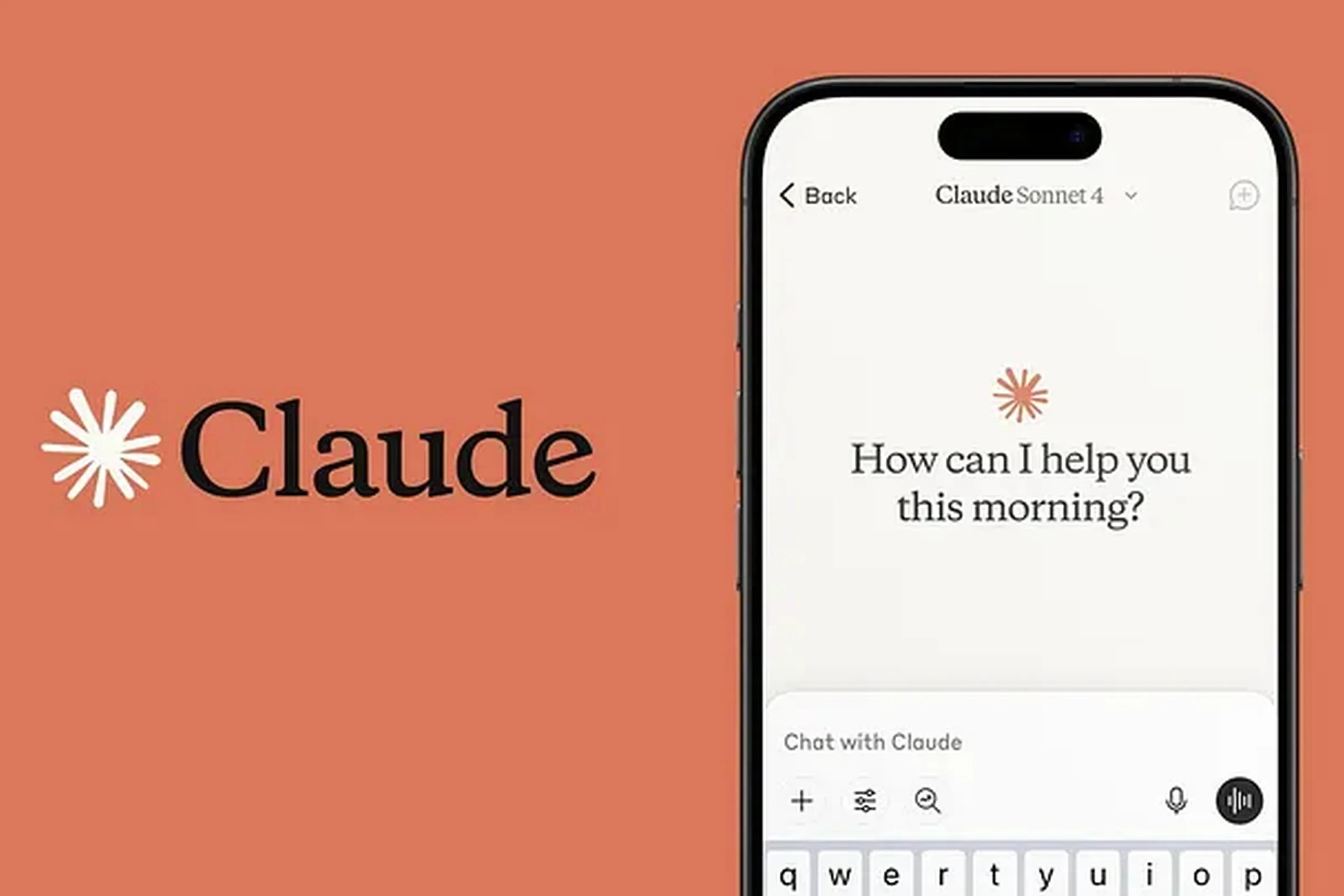
3. Claude Cowork: the assistant that works for you
Cowork is Anthropic's latest desktop application. The concept: Claude accesses a folder on your computer, reads and writes files, executes commands in a secure environment, and returns a finished deliverable to you.
Cowork is particularly powerful for all those time-consuming tasks we usually put off: organizing a folder with hundreds of files, cleaning up a 20,000-row Excel spreadsheet, generating a report from dozens of PDFs, or preparing a presentation from a source document. You simply state your request, go grab a coffee, and Claude does the heavy lifting; when you return, you can move forward with the finished assets.
This is also the building block that signals a profound shift: Claude no longer just waits for questions—it executes tasks autonomously.
As of September 16, 2026, Claude Cowork and Claude Chat are merging into a single application: there is no longer a need to choose where to assign a task. Claude can now handle everything from a quick question to a full-scale project (with Claude Docs, Claude Slides, and Claude Design integrated directly into the conversation), with the rollout gradually reaching Pro and Max plans over the coming weeks.
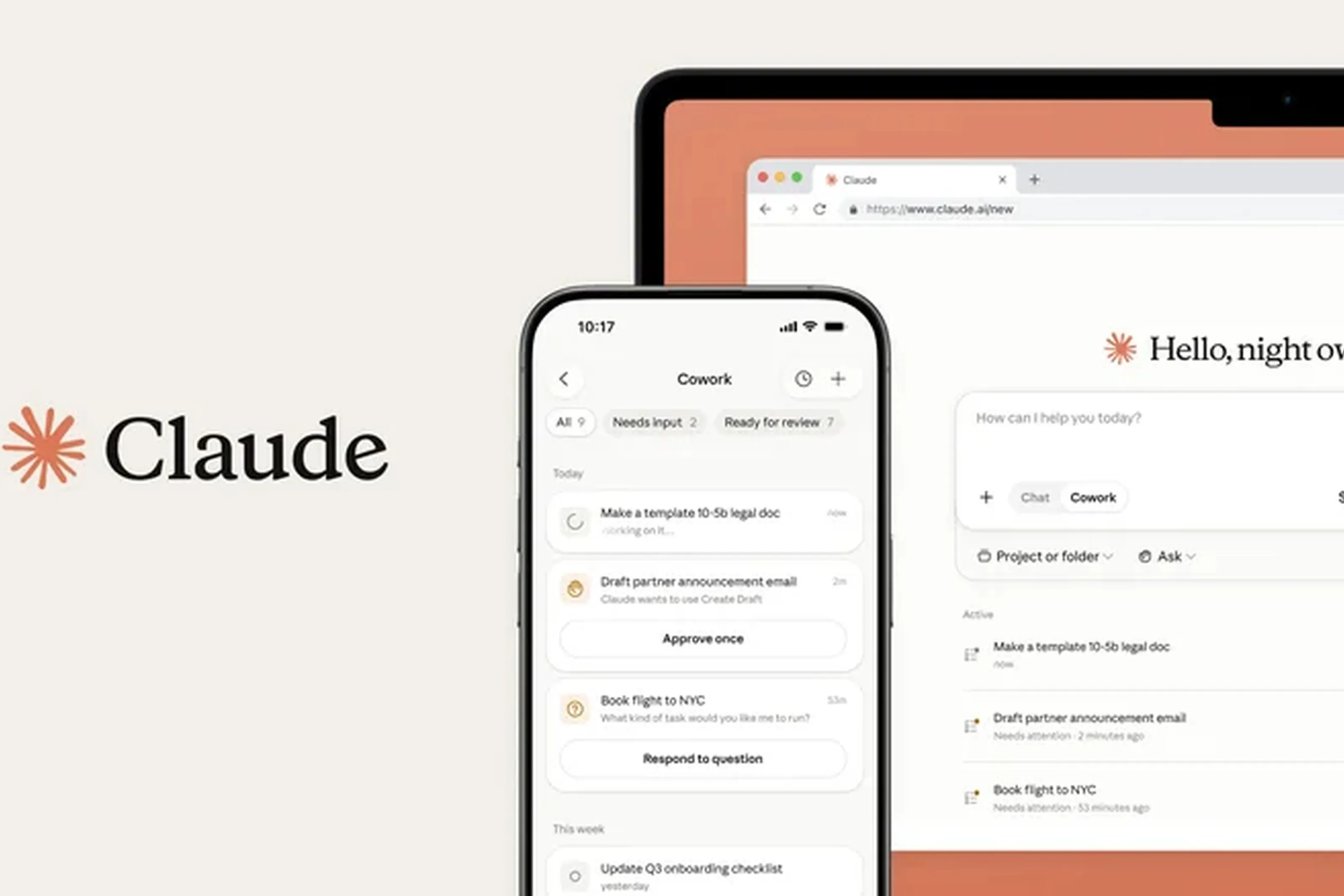
4. Claude Code: AI-assisted development
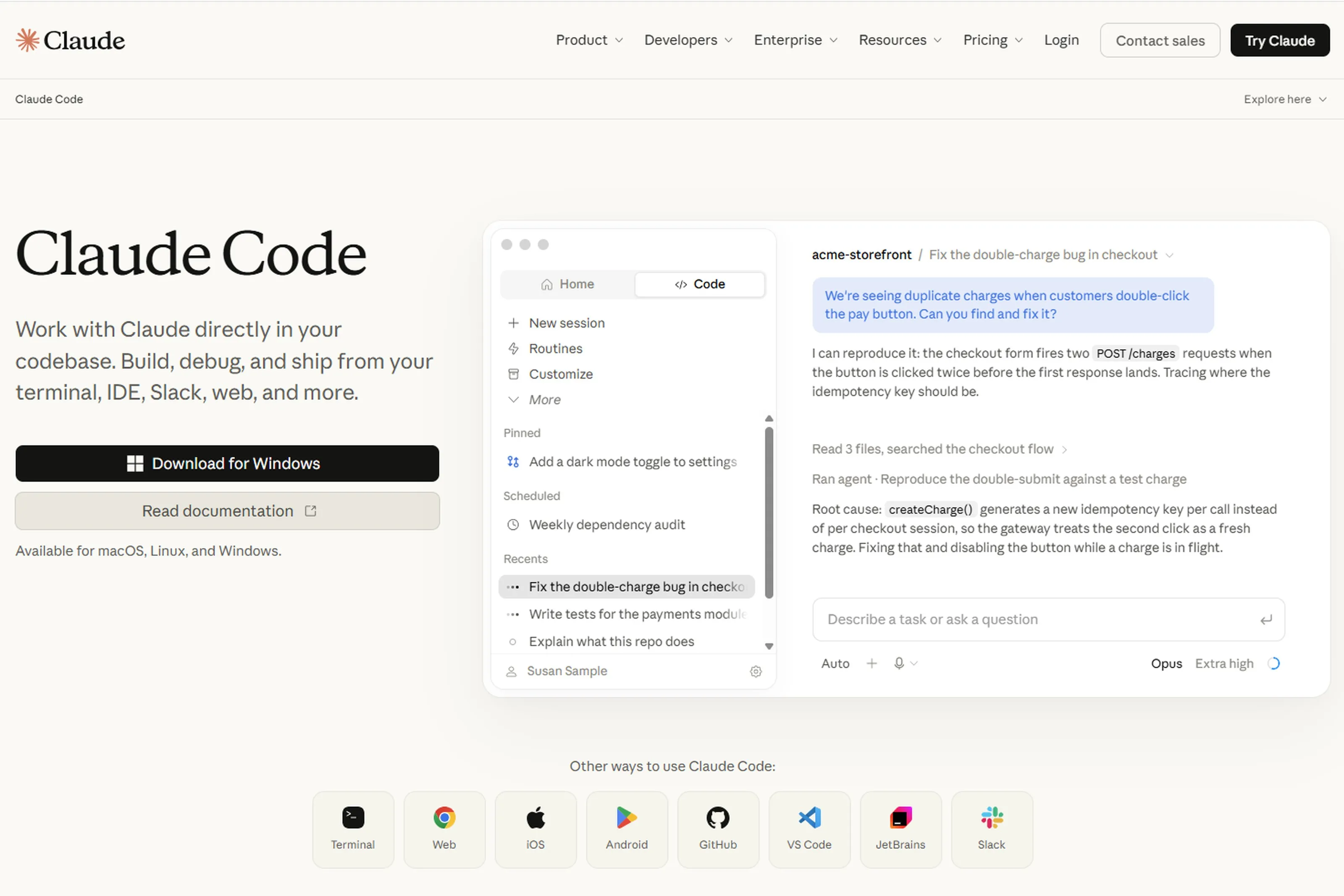
Claude Code is a command-line tool designed for developers. It allows you to open a project, chat with Claude in natural language, and let the assistant read, write, test, and fix code autonomously.
Its adoption in the software development world was explosive in 2025-2026. Tasks that used to take hours—refactoring a module, fixing a hundred tests, migrating a database, or setting up a CI/CD pipeline—are now handled in minutes with Claude Code.
Beyond developers, Claude Code is also used by data teams to automate analysis workflows and by consultants to quickly generate audit or integration scripts.
5. Claude in Chrome: your augmented browser
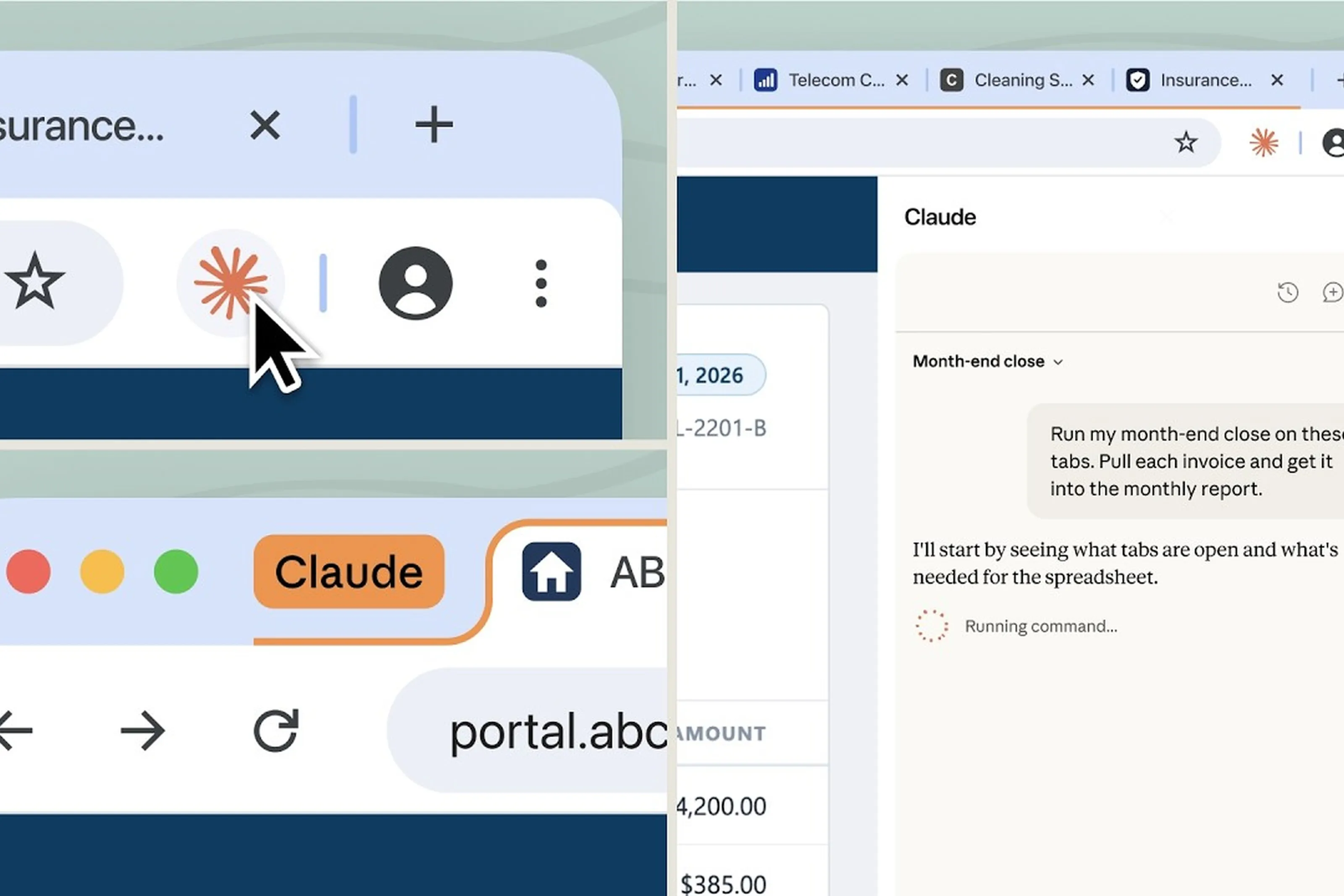
Claude in Chrome is an extension that turns Chrome into an agentic browser. You give Claude an instruction, and it opens tabs, fills out forms, extracts information, and clicks buttons. For many of us, it was a surreal experience the first time we watched Claude autonomously navigate our web browsers.
Typical use cases include: competitive research across dozens of sites, repetitive data entry into a CRM, structured extraction of public information, and testing user journeys on a website.
While this component hasn't yet fully found its place in enterprise workflows, it paves the way for web automation that requires absolutely no coding.
6. Claude in Slack: AI at the heart of team conversation
Claude in Slack (sometimes called Claude Tag) is the official integration of Claude into Slack. Once installed on a workspace, you can invoke Claude directly in channels or via direct messages, with the same capabilities as the web interface but within the team's natural workflow.
This component addresses a very concrete need: reducing back-and-forth between Slack and an external interface. You can ask Claude to summarize a thread, draft a report, or prepare a response to a client, all without leaving Slack.
It is also one of the smoothest ways to introduce Claude into an organization that already uses Slack on a daily basis.
7. Claude in Excel: AI at the heart of spreadsheets
Claude in Excel is the natural counterpart to Claude in Chrome, applied to Microsoft Excel. Once installed, the assistant can analyze a sheet, generate formulas, produce summaries, explain existing logic, or build a model from a simple description.
This component is particularly valuable for Finance, Management Control, and Data Analysis functions, which still rely heavily on Excel. It allows users to keep their familiar work tool while benefiting from Claude's reasoning and generation capabilities.
8. Claude API and Claude Agent SDK: the building block for developers
For organizations that want to go beyond off-the-shelf interfaces, the Claude API allows for direct calls to the models from any system. It is used to integrate Claude into a proprietary product, an internal workflow, a customer chatbot, or an automated pipeline.
The Claude Agent SDK is an additional layer on top of the API, dedicated to building autonomous agents. It provides the necessary tools to create assistants capable of reasoning, using external tools, and executing sequences of actions.
This foundation allows the most advanced organizations to build their own Claude products, tailored to their specific use cases and security requirements.
9. Cross-functional features: Skills, MCP, Scheduling
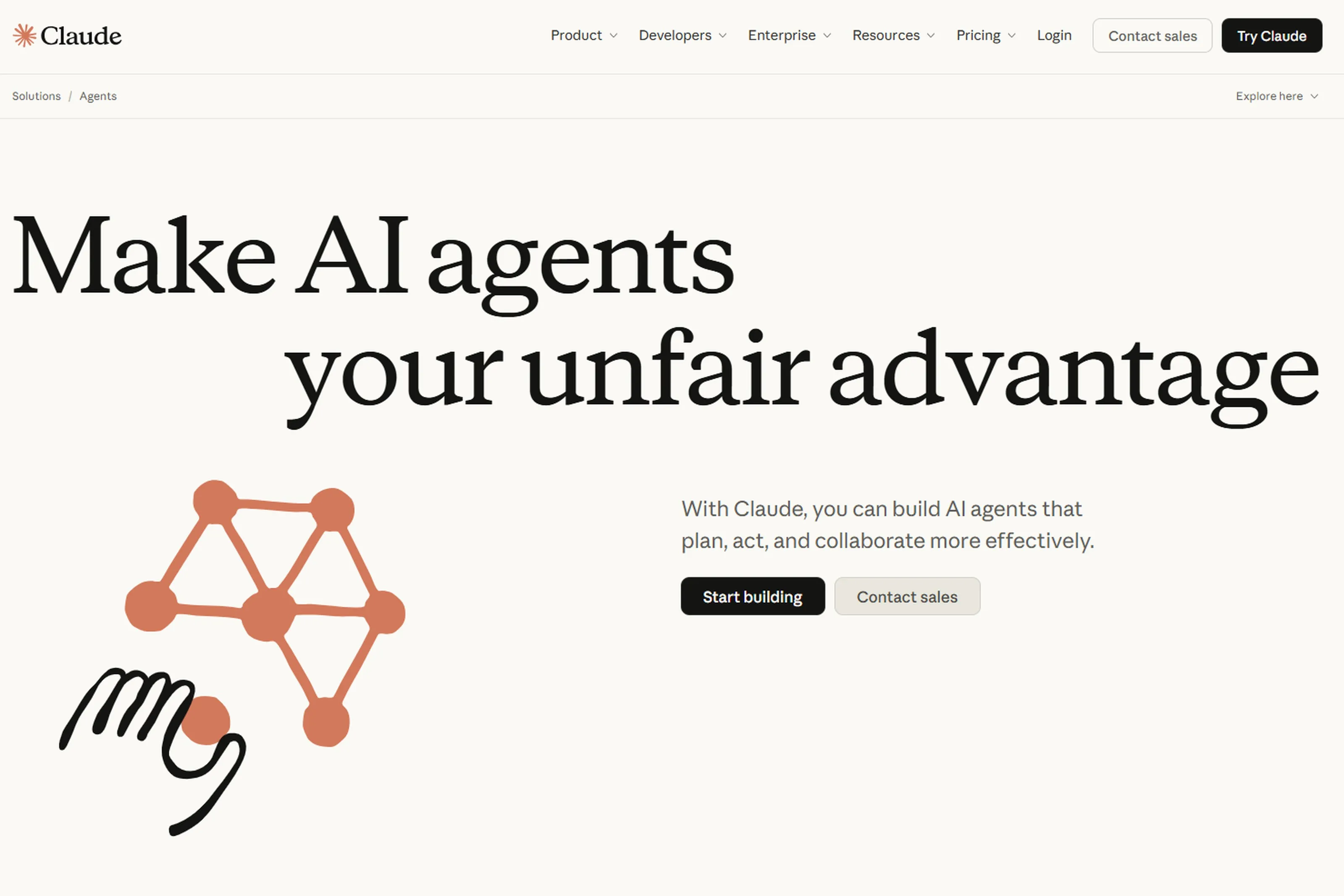
Three features run throughout the entire Claude ecosystem, transforming a simple assistant into a true workspace. They are worth exploring, as this is where the difference between occasional use and productive use lies.
Skills are reusable capabilities that you define once and for all. A Skill can be as simple as a writing style specific to your company, or as sophisticated as a complete risk analysis methodology, including instructions, reference files, examples of high-quality deliverables, and execution scripts. Once created, a Skill is triggered automatically when Claude detects it is needed, without having to explain it every time. In practice, the most advanced organizations build a library of Skills—one for credit analysis memos, one for committee minutes, one for code reviews, one for regulatory filing preparation—and deploy these Skills to their teams. This mechanism allows everyone to perform at the same high level, without depending on individual memory or talent.
MCP (Model Context Protocol) is an open protocol published by Anthropic in 2024, which has since become the de facto standard for connecting Claude to external systems. An MCP is essentially a universal plug: every enterprise tool exposes its functions to Claude via an MCP, and Claude can then read, write, or trigger actions in that tool as if it were a native user. In practical terms, you can connect Claude to Slack, Google Workspace, Microsoft 365, Jira, GitHub, Notion, Salesforce, HubSpot, ServiceNow, or your own internal databases. The MCP ecosystem now includes hundreds of connectors and grows every week, thanks in part to a very active open-source community. Two levels exist: remote MCPs, hosted by the provider for major SaaS platforms, and local MCPs, which run on the user's machine to preserve privacy. The strategic impact of MCP is major: Claude is gradually becoming the hub through which user requests flow, while other tools become its subcontractors.
Scheduling allows you to automate the execution of Claude tasks at regular intervals. A summary report every morning at 8:00 AM, a weekly industry watch every Monday, a monthly quality check: Claude wakes up at the scheduled time, retrieves up-to-date information via its MCP connections, executes the task, and delivers the result via email or the tool of your choice. The difference from a classic automation workflow is fundamental: Claude does not execute a rigid script; it reasons with every execution. If the data structure has changed, if an unusual event has occurred, or if a piece of the puzzle is missing, it identifies the issue and adapts its behavior. This is what makes Scheduling a pivotal component for moving from on-demand usage to a truly autonomous collaborator.
These three building blocks—Skills, MCP, and Scheduling—are not visible in an interface. They are not highlighted when you first discover Claude. They only come into play when you decide to move beyond the chatbot stage and turn Claude into a production tool. That is precisely when the value of the ecosystem is unlocked.
10. Cost overview in 2026
The Claude ecosystem is structured around several offerings, with prices in euros including tax, as practiced by Anthropic in France at the time of writing.
Free is €0. It includes Claude Chat on web, mobile, and desktop, with access to Sonnet and Haiku, web search, memory, Skills, MCP connectors, and a 200,000-token context window. Quotas are limited but sufficient to explore the platform.
Pro is €15 per month with an annual commitment (billed as a single €180 payment), or €18 per month with monthly billing. It unlocks access to the entire ecosystem: Claude Code, Claude Cowork, Claude Design, Claude Science, Claude in Chrome, Claude for Microsoft 365, as well as unlimited Projects and Opus. It is the baseline for any professional user who wants to work seriously with Claude.
Max starts at €90 per month for the 5x version. It multiplies usage quotas by five compared to Pro and provides priority access to the latest features. A 20x version, which is even more generous, is available for the most intensive users (typically developers using Claude Code several hours a day, or data analysts running Cowork on large volumes).
Team is the primary collaborative offering, starting from 2 users up to 150. It offers two types of seats:
- Standard Seat at €18 per seat per month with an annual commitment (€21.04 monthly), with higher quotas than an individual Pro seat.
- - Premium Seat at €90 per seat per month with an annual commitment (€105.23 monthly), with five times the quotas of a Standard seat.
-
Team also provides a centralized administration console, SSO, access controls for MCP connectors, desktop app deployment, enterprise search across your data, and—importantly—the fact that Anthropic does not use your content to train its models by default.
Enterprise is the large-organization offering, starting at €18 per seat per month with an annual commitment, plus usage billed at API rates. It adds enterprise-grade security and compliance controls: granular permission management, SCIM, audit logs, compliance API, data retention control, IP allowlisting, and HIPAA support. Rates are negotiated on a case-by-case basis and require an annual commitment.
Finally, the API is usage-based, with billing per million tokens that varies depending on the chosen model (Haiku for economy, Sonnet for balance, Opus for power). This is the format used for integrations into a product, an automated workflow, or an agent built with the Claude Agent SDK.
Please note: the prices displayed by Anthropic exclude applicable taxes, and the publisher reserves the right to update its pricing. We provide the status as of the publication date of this article, but we invite you to check the official pricing page before making any commitments.

11. How to choose the right combination
In most organizations, the right setup combines several components. An individual user starts with Pro. A team quickly moves to Team to share Projects and Skills. Developers add Claude Code. Teams that handle large volumes of files adopt Cowork. Organizations building their own agents utilize the API and the Agent SDK.
The most common pitfall is getting stuck using Claude Chat individually, when 80% of the platform's value lies in its structural components: Projects, Skills, MCP, and Team.
This is precisely the transition our Mastering Claude in the Enterprise training course enables: moving from casual use to a productive and governed use of the entire Claude ecosystem.
12. What comes next?
The Anthropic ecosystem is evolving rapidly. New components appear every quarter, models become more capable, and cross-functional features are constantly being enriched. The right approach is not to master everything, but to understand the landscape so you can choose what makes sense for your context and build a coherent, long-term strategy.
At Prime Analytics, we have been helping banks, insurance companies, and large corporations adopt Claude for over three years, from selecting the right components to large-scale deployment, including governance and team training. If you are wondering where to start or want to review your current setup, our experts are at your disposal.
Ready to move from casual use to productive use of Claude? Discover our training course Mastering Claude in the Enterprise, a one-day session to help your teams set up the right configurations, workflows, and best practices.

We will get back to you as soon as possible.
Please try again or contact us at contact@primeanalytics.fr.